Members & Coaches
Messages: chat with anyone in your gym
Updated
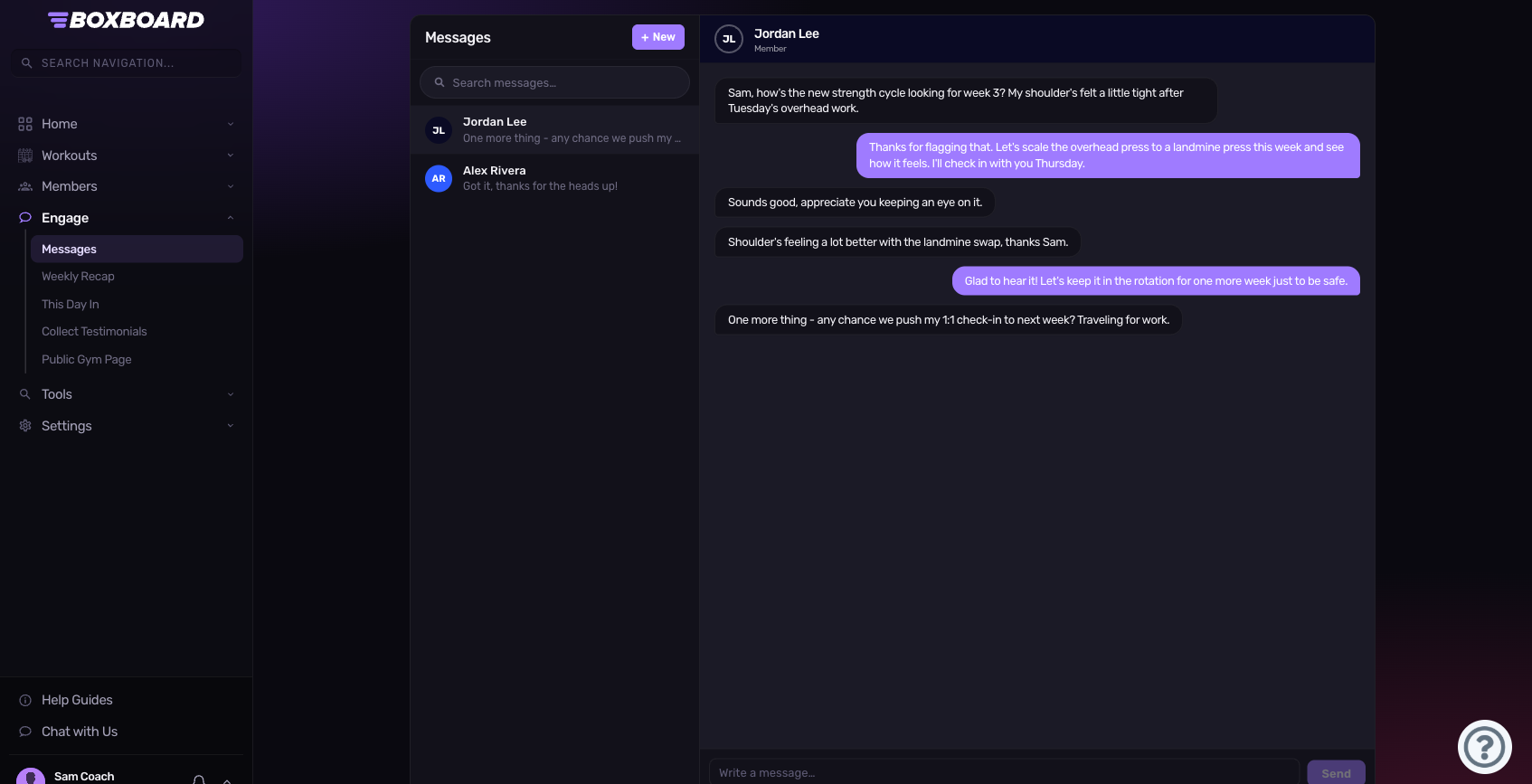
Messages lets you chat one-on-one with anyone in your gym — ask a coach a question, coordinate a partner WOD, or just say nice work.
Start a conversation
- Open Messages from the menu.
- Click New and pick a member of your gym.
- Type your message and hit Send (or press Enter).
Your conversations
Every conversation shows in the left list with the latest message and an unread count. Open one to read the full thread; new replies appear in real time while you're on the page.
How you'll know about new messages
If someone messages you, you'll see it in your notifications first, then a phone push, and only an email as a last resort if you miss it. Seeing a message anywhere marks it read everywhere — so you won't get pinged five times. Manage this under Email preferences → Community.
Privacy
- You can only message members of your own gym.
- Chat happens inside the app — your email and phone number are never shared.