Members & Coaches
How do I add a member to my gym?
Updated
Adding someone to your gym takes about a minute. You send an email invite, they accept it, and they show up in your member list ready to log scores.
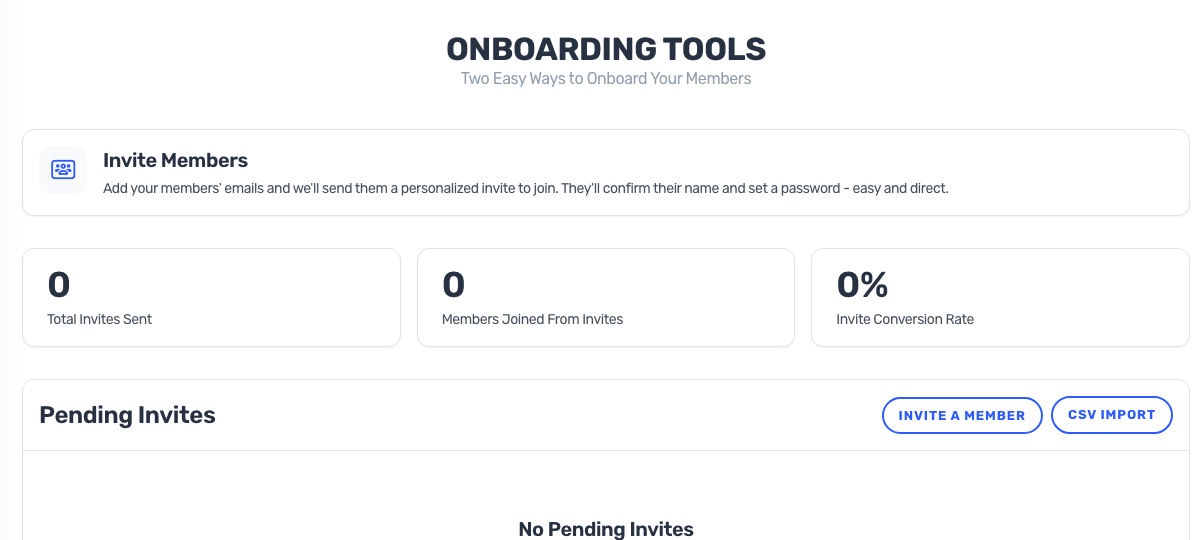
Send the invite
- Log in to BoxBoard as a gym admin and open your gym.
- Go to Manage Members.
- Enter the person's email address, first name, and last name.
- Pick a role: Athlete, Member, or Gym Admin.
- Send the invite. BoxBoard emails them a personal invite link.
What your member sees
They get an email with a link to join your gym. If they're new to BoxBoard, the link walks them through creating an account; if they already have one, they're added to your gym as soon as they accept.
Good to know
- Invite links are valid for 14 days. After that they expire and you can resend a fresh one.
- Each email can only be invited to your gym once — pending invites are listed so you can see who hasn't accepted yet.
- Invited the wrong address? Cancel the pending invite and send a new one.